
RustFS Bucket Creation
Create buckets using the RustFS UI, MinIO Client, or API.
This guide explains how to create buckets using the RustFS UI, mc (MinIO Client), or API.
Creating Buckets
Prerequisites:
- A running RustFS instance (see Installation Guide).
Using the RustFS UI
- Log in to the RustFS Console.
- On the Buckets page, in the top right corner, select Create Bucket.
- Enter the bucket name and click Create to complete bucket creation.
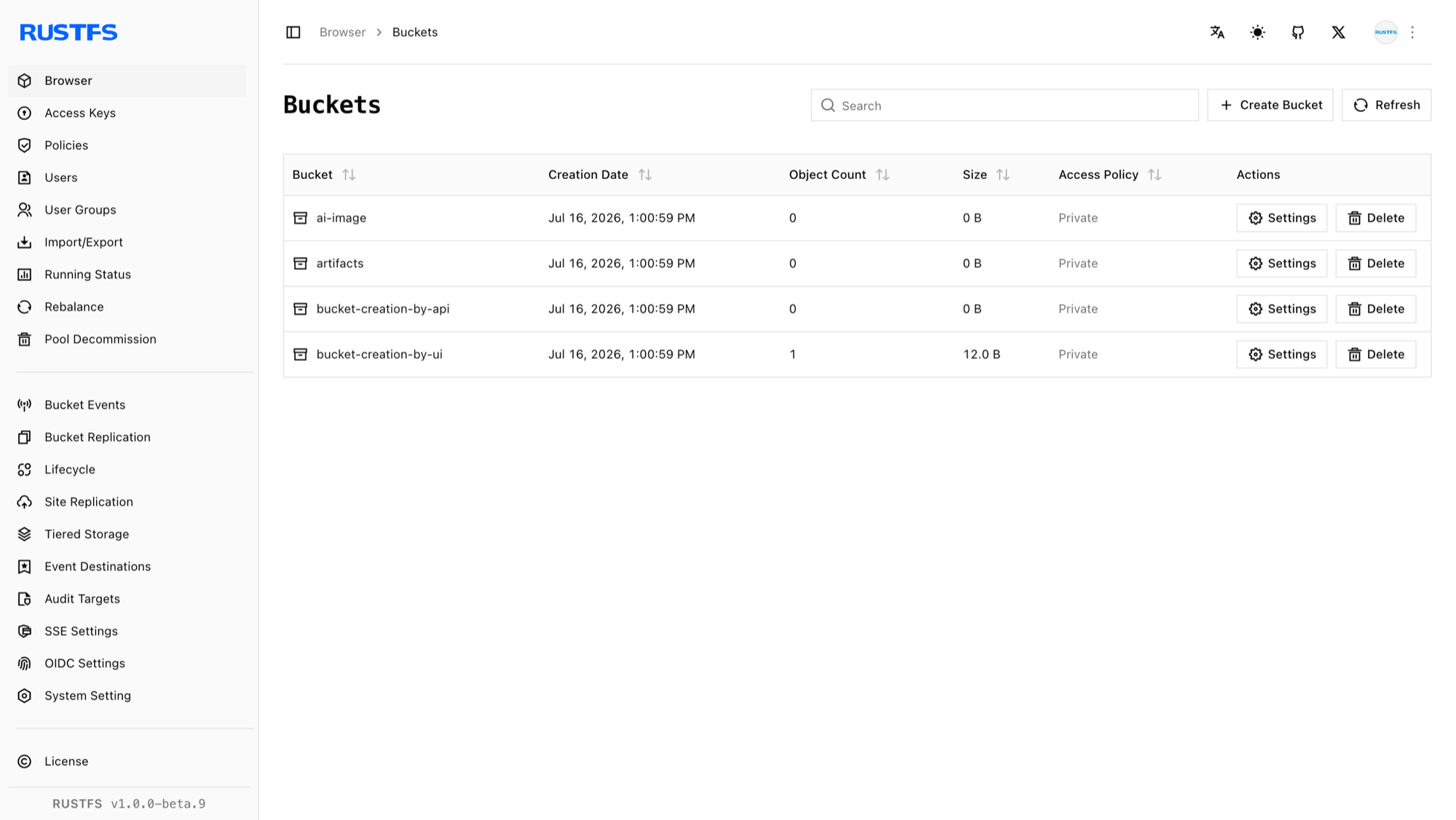
Using mc
See the
mcUsage Guide for installation and configuration.
Create a bucket:
# create rustfs bucket
mc mb rustfs/bucket-creation-by-mc
Bucket created successfully `rustfs/bucket-creation-by-mc`.

# confirm bucket creation
mc ls rustfs/bucket-creation-by-mc
Using the API
Create a bucket via API:
PUT /{bucketName} HTTP/1.1S3 requests must be signed with AWS Signature V4, so use an S3 client rather than hand-crafting headers. With the AWS CLI configured for your access keys:
aws s3api create-bucket \
  --bucket bucket-creation-by-api \
  --endpoint-url http://localhost:9000
Verify the bucket creation in the RustFS Console.